
Keychain Manager
Secure, encrypted storage for your digital credentials
Security is convenience. If it's hard to use secure keys, people revert to passwords. Netcatty's Keychain is a centralized, encrypted, and portable management system for your SSH keys and Identities.
Security Architecture
Netcatty prioritizes clear separation between local convenience and cloud security.
- Local Persistence: All your Vault data (Hosts, Keys, Identities) is stored locally in your operating system's standard application data directory.
- Encrypted Sync: For advanced security during synchronization, Netcatty implements Zero-Knowledge Cloud Sync, which encrypts your data locally before it ever leaves your machine.
- Result: Your secrets remain under your control, whether stored locally or synced across devices.
Key Management
Supported Algorithms
Use this guide to decide what to use.
| Algorithms | Status | Verdict |
|---|---|---|
| ED25519 | Modern Standard | Use this. Fast, tiny keys, mathematically secure. |
| ECDSA | Widely Supported | Good alternative, supporting various NIST curves (P-256, P-384, P-521). |
| RSA | Legacy Safe | Supported for older systems (2048 and 4096 bits). |
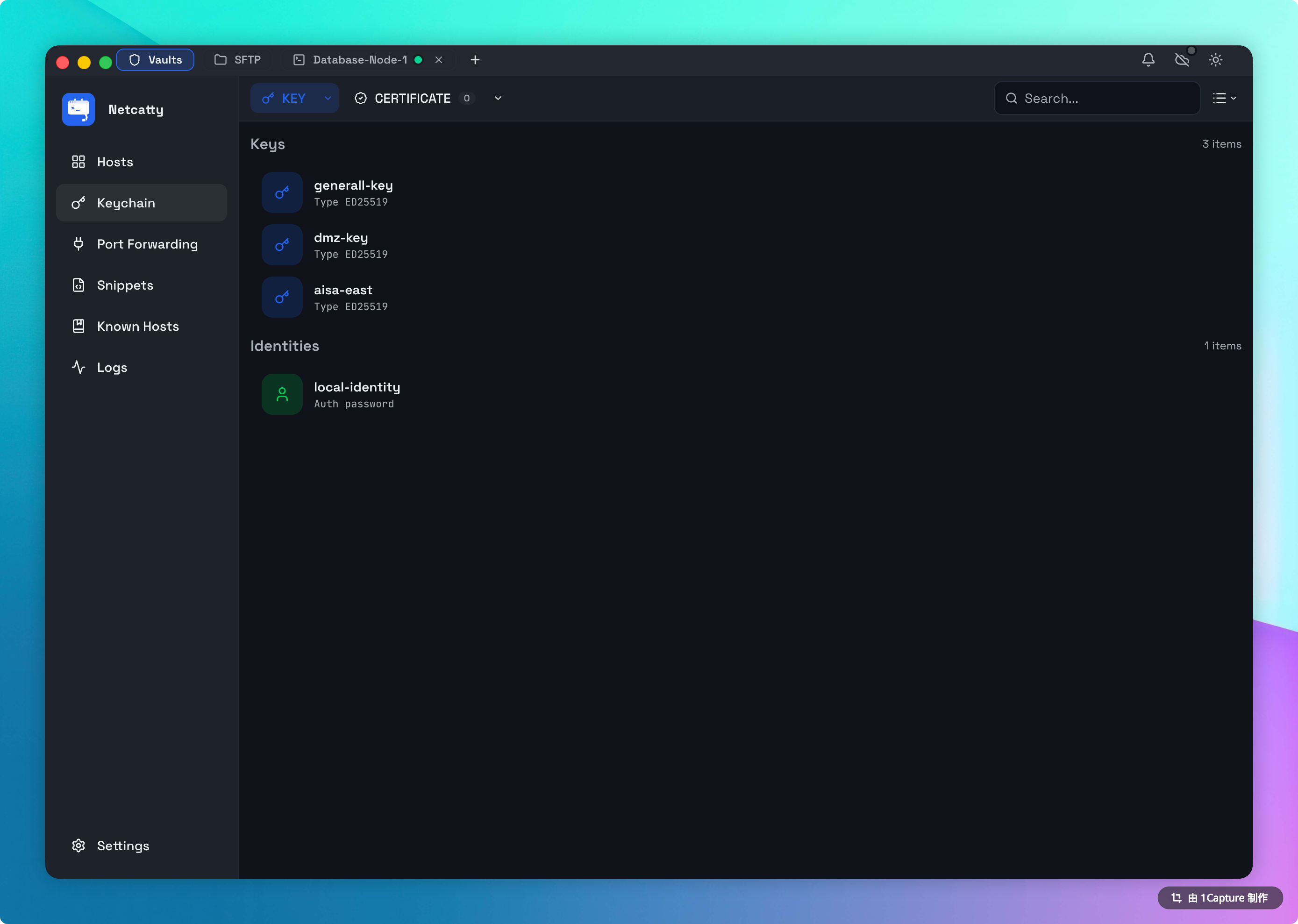
Importing Existing Keys
You already have keys in ~/.ssh/. Netcatty makes it easy to adopt them.
- Drag and Drop: Drag your private key file directly into the Keychain window.
- Paste Content: Manually paste PEM (OpenSSH) or PKCS#8 formatted keys.
- Key Generation: Create new keys directly within the app using the built-in generator.
Identities (The "User Profile")
A raw key (id_ed25519) is useless without a username.
An Identity binds them together: root + My Production Key.
- Why? You might use the same key for
ubuntuon AWS androoton DigitalOcean. - Workflow: Creates the Identity once. Assign it to 50 hosts. Rotate the key in one place, and all 50 hosts update instantly.
Cloud Sync
Identities and Public Keys sync across devices. Private Keys are synced completely encrypted. You never have to manually copy id_rsa to your laptop again.